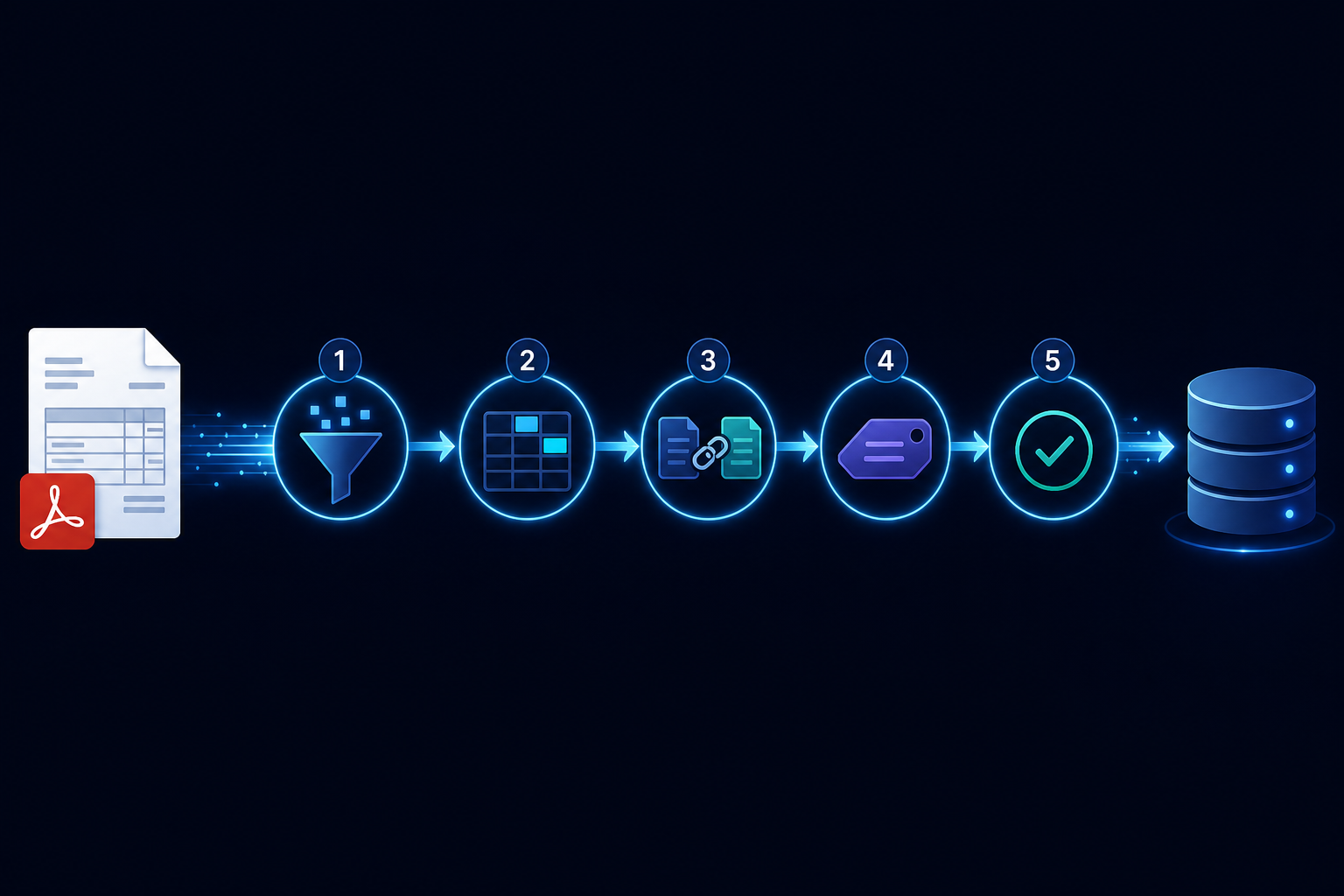
Building an AI Invoice Processing Pipeline
Invoice processing is a canonical accounts payable problem: hundreds of invoices arrive per month in varying formats — PDF, email attachments, scanned images, web portals — and every one needs to be validated, matched to a purchase order, coded to the right GL account, approved, and paid.
Manual processing costs $15-40 per invoice according to industry benchmarks. At 500 invoices per month, that is $7,500 to $20,000 in processing cost before considering the error rate and approval delays.
AI can reduce this to under $1 per invoice with higher accuracy than manual processing, but only if the pipeline is built to handle the variance in real-world invoices.
The pipeline stages
1. Intake and format normalization
Invoices arrive via email, supplier portal, EDI, or direct upload. The first step normalizes them to a common representation. PDFs need text extraction (with OCR for scanned documents). Email attachments need attachment detection and extraction. HTML invoices need structured scraping.
This step is entirely pre-LLM and is worth investing in. Poor text extraction produces garbage inputs for the extraction step, and no LLM can recover from missing or garbled text.
2. Field extraction
Extract the structured fields: vendor name, vendor ID (if known), invoice number, invoice date, due date, line items (description, quantity, unit price, total), subtotal, tax, total amount, currency, payment terms, bank details.
Use schema-constrained output with validation. An invoice extraction that returns a subtotal that does not equal the sum of line item totals has an error — catch it at the extraction step, not downstream.
3. PO matching
Match the extracted invoice to a purchase order in the ERP or procurement system. Exact matching on PO number when available. Fuzzy matching on vendor + approximate amount + date range when the PO number is missing.
Three-way matching — invoice against PO against goods receipt — is the gold standard for AP automation. The LLM step can identify discrepancies and classify them: quantity variance, price variance, duplicate invoice, no matching PO.
4. GL coding
Assign the invoice (or each line item) to the correct general ledger account. This is a classification task. A model trained or prompted on your chart of accounts and historical coding patterns performs well for routine invoices.
For unusual line items or new vendor categories, flag for human review rather than auto-coding.
5. Approval routing
Route the invoice to the right approver based on amount, department, and cost center. Above a threshold, require two approvals. Flag invoices with discrepancies found in PO matching for mandatory human review.
6. ERP write-back
Write the validated, approved invoice to the ERP as a payable. This step should only execute after approval is confirmed — it is an irreversible action and requires human sign-off in most AP workflows.
The reliability requirements
Idempotency on re-submission: vendors sometimes submit the same invoice twice with minor variations (different invoice date format, slightly different amount due to currency rounding). The pipeline should detect duplicates before creating a payable.
Handling extraction failures gracefully: some invoices will have extraction quality too low to auto-process. Route these to a manual review queue with the extracted fields prepopulated for a human to correct — do not fail the run.
Audit trail: every invoice needs a complete audit trail from receipt to payment, including the extraction results, PO match determination, approval record, and ERP write. This is a compliance requirement in most jurisdictions.
AgentRuntime's durable execution model is a natural fit for AP automation: each invoice is one run, partial failures route to human review rather than failing the run, and the full step-by-step audit trail is persisted automatically. Join the waitlist for early access.