Timeouts and Deadlines for AI Agents: Setting SLAs That Actually Hold
An AI workflow that runs forever is not a feature. It is a bug waiting to become an incident.
LLM calls can take thirty seconds. Tool calls can hang indefinitely when a downstream API goes down. A workflow waiting for a human approval can sit for hours. Without explicit timeout and deadline management, a few stuck runs can quietly consume all available workers, leaving the rest of the queue stalled.
The difference between a timeout and a deadline
These terms are often used interchangeably, but they describe different things in distributed systems.
A timeout applies to a single operation: if this LLM call doesn't respond within 30 seconds, fail it. Timeouts are local — they apply to one call in isolation.
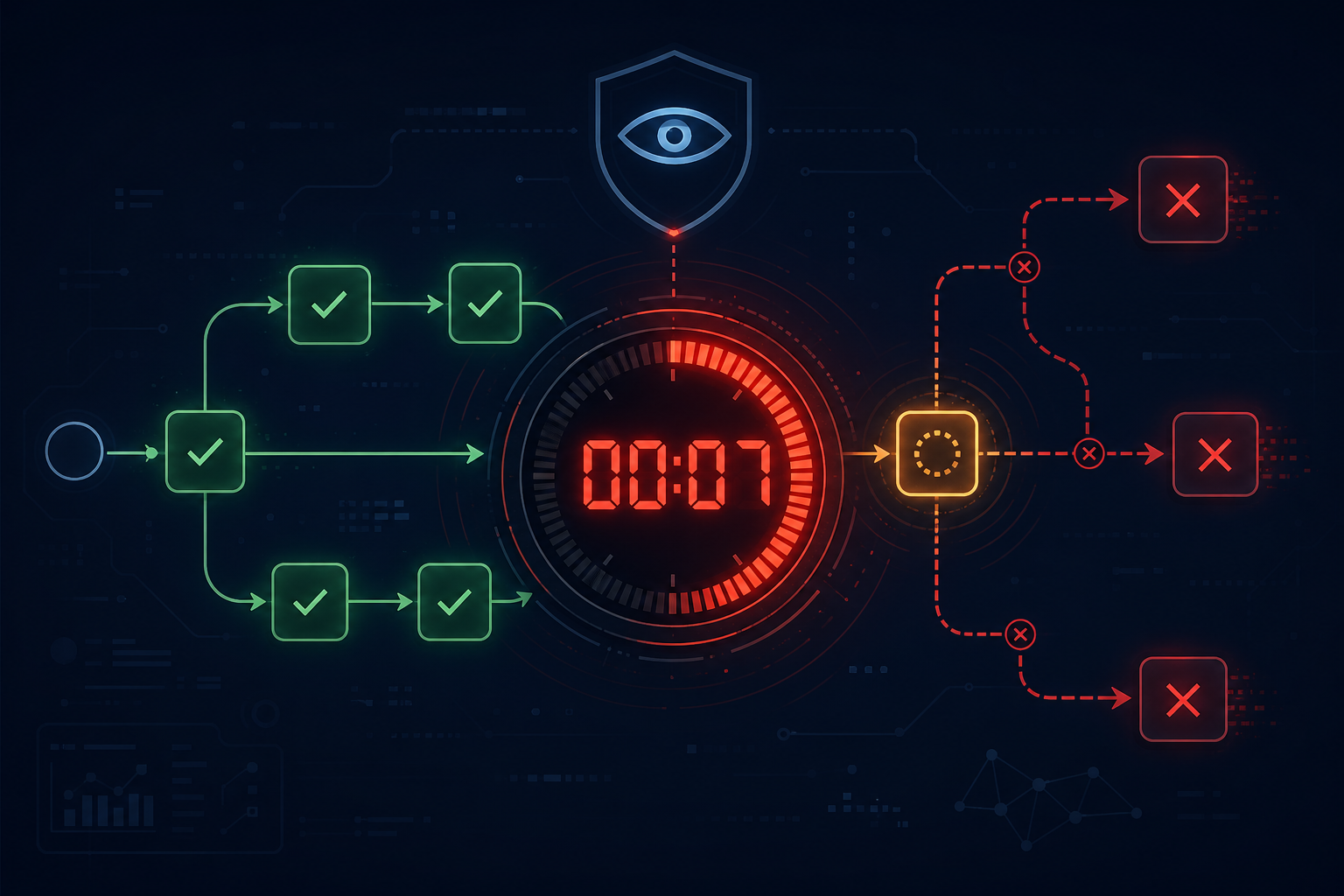
A deadline applies to an entire operation tree: this workflow must complete within 5 minutes total, regardless of how many steps it has and how long each takes. If the deadline is reached, everything still in flight is cancelled. Deadlines propagate — a step that spawns sub-steps inherits the remaining deadline budget.
Production AI workflows need both. A step-level timeout prevents a single hung LLM call from blocking a worker indefinitely. A run-level deadline prevents a workflow from running past the point where its output would still be useful.
The stuck workflow problem
A common failure mode: a workflow reaches a step, the step starts executing, something hangs, and the workflow sits in a "running" state forever. The worker is occupied. No error is surfaced. The queue drains. New runs wait.
Detecting and recovering stuck workflows requires a watchdog: a background process that periodically scans for runs that have been in progress longer than expected and marks them as failed with a timeout error. This is not glamorous engineering, but it is the thing that keeps a stuck workflow from taking down production at 3am.
The watchdog needs configurable thresholds per workflow type — a workflow that processes a small ticket should have a different deadline than one that runs a multi-step research task.
Timeout strategy by operation type
Different operations warrant different timeout strategies:
| Operation | Approach |
|---|---|
| LLM completion call | 30–60s with retry on timeout, up to 3 attempts |
| Tool call (external API) | 10–30s depending on SLA, retry with backoff |
| Human approval gate | No timeout by default; configurable per task type; escalation after N hours |
| Nested sub-workflow | Inherits parent deadline minus buffer |
| Entire run | Set at trigger time based on workflow type SLA |
What happens when a deadline is hit
Cancellation is harder than it sounds. When a deadline fires, you need to:
- Stop inflight LLM calls (cancel the HTTP request)
- Stop inflight tool calls (signal cancellation where the tool supports it)
- Commit the final state of the run as "deadline exceeded"
- Release any held resources (locks, human task assignments)
- Surface the failure with enough context to diagnose which step caused the overrun
The last point is often overlooked. A run that failed with "deadline exceeded" with no context about where time was spent is nearly as hard to debug as a silent failure.
Timeout as a forcing function for good architecture
Explicit deadlines impose useful design discipline. If a workflow regularly hits its deadline, that is a signal: either the SLA is too aggressive, the workflow is doing too much in a single run, or there is a performance problem in a specific step that needs attention.
Teams that skip deadlines are often surprised to discover their "fast" workflow actually has a long tail of 10-minute runs that only shows up in percentile metrics.
AgentRuntime ships with a stuck-workflow watchdog that marks timed-out runs as failed with full trace context, and supports per-workflow deadline configuration at the run trigger level. Join the waitlist for early access.