Why Workflow-Level Tracing Beats Function-Level Logging for AI Systems
Most engineering teams reach for logging first. Add a console.log here, a logger.info there, and you have observability. For AI workflows, this instinct produces a system that is technically instrumented but practically undebuggable.
The difference between logging and tracing is not a matter of preference or tooling sophistication. It is a fundamental difference in what question you are trying to answer.
What logging answers (and what it doesn't)
Logging answers: what happened at this line of code at this time?
A log stream from an AI workflow run might look like:
INFO  Starting workflow run abc123
INFO  Step 1 executing
INFO  LLM call started
INFO  LLM call completed in 3.2s
INFO  Step 2 executing
ERROR Step 2 failed: schema validation error
From this log, you know that step 2 failed with a schema validation error. You do not know:
- What was the input to step 2?
- What did the LLM return that failed validation?
- Was this the first attempt or a retry?
- What did step 1 produce that step 2 received?
- How does this run's behavior compare to the last 100 successful runs?
Answering these questions from logs requires correlating log lines across a run, parsing structured data from log messages, and mentally reconstructing the execution context. This is slow, error-prone, and does not scale.
What tracing answers
Tracing answers: what happened during this entire operation, in what order, with what inputs and outputs, and how does it relate to other operations?
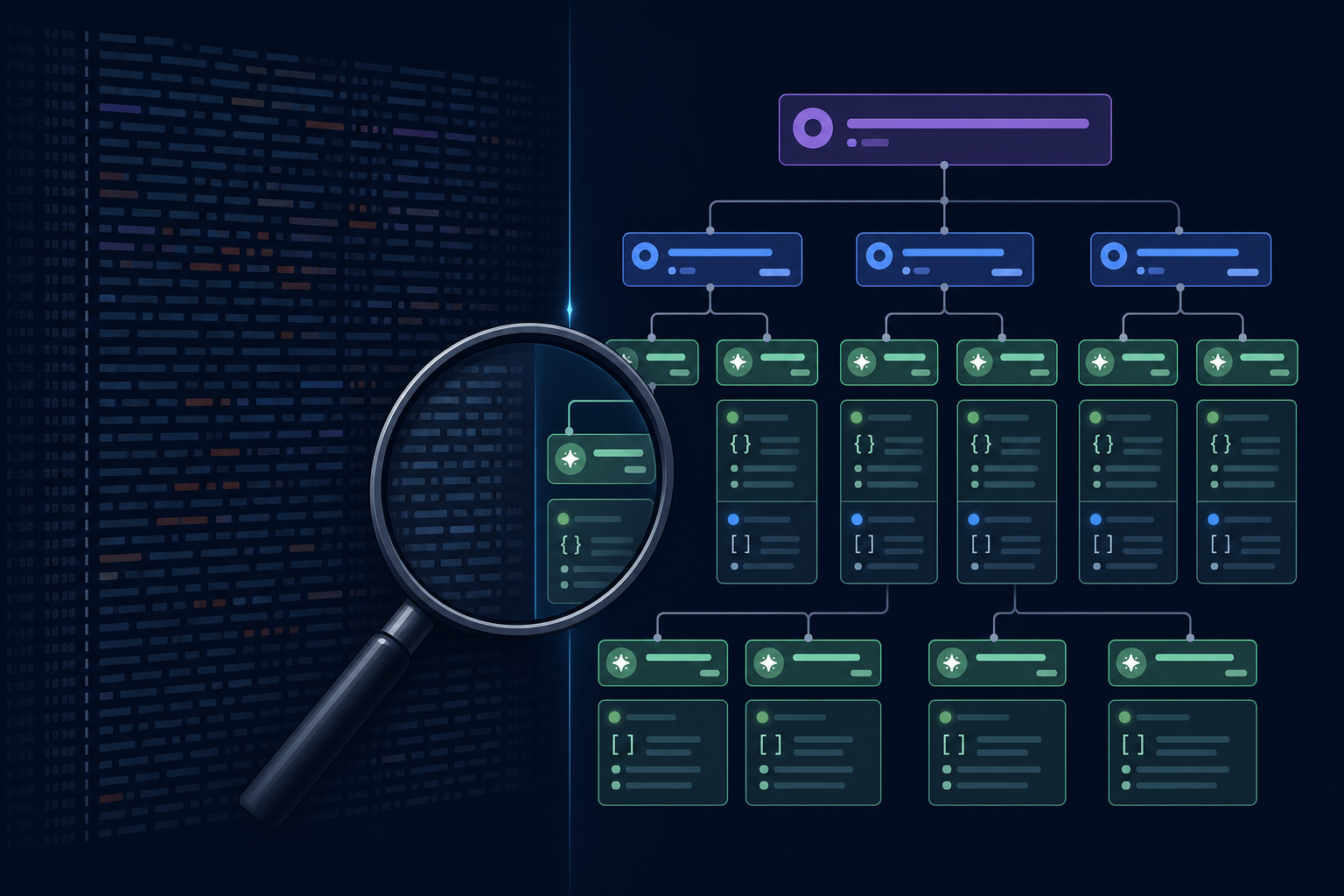
A workflow trace for the same run contains:
- A root span for the entire run with start time, end time, and outcome
- A child span for each step with its inputs (the exact data passed to the step), its outputs (the exact data produced), and its duration
- A grandchild span for each LLM call with the full rendered prompt, the model response, token counts, and latency
- A grandchild span for each tool call with the request and response
From a trace, you can answer the debugging questions above in seconds, not minutes. You can compare step inputs across runs. You can see the full prompt sent to the LLM without grepping through logs. You can identify which step is slow, not just that the overall run was slow.
Structured step state vs log messages
The most important distinction: in a trace-first AI workflow system, step inputs and outputs are stored as structured data in the run state, not as strings in log messages.
A log message that says INFO LLM returned classification: "billing" is barely better than no observability. A step output record that stores {"classification": "billing", "confidence": 0.94, "reasoning": "..."} is a queryable, filterable, diffable artifact that supports systematic analysis.
The difference becomes obvious at scale: when you want to know "what is the distribution of classification outputs across the last 1,000 runs," you query the step output store. You do not grep log files.
The cost of retrofitting
Tracing infrastructure is much easier to build correctly from the start than to retrofit onto a logging-only system. The reason: structured step state requires that step boundaries are explicit in the code. A workflow that is implemented as a long function with nested LLM calls and logging statements does not have the structural clarity needed for step-level tracing.
The structural investment pays back in every debugging session from day one of production.
Using both
Logging and tracing are not mutually exclusive. Traces provide the structured, correlation-aware view of what happened. Logs provide the free-text context that does not fit neatly into structured spans — error messages, explanatory notes, debug output.
The right model: traces for navigation (find the run, find the failing step, find the LLM call), logs for detail (read the error message, understand the context). Traces as the primary interface, logs as supplementary detail.
AgentRuntime implements OpenTelemetry-based distributed tracing at the step level natively, with structured step inputs and outputs stored as run state alongside each span. Join the waitlist for early access.